Home  |  Solutions Rebar Software  |  Revit Interface

Revit Interface

aSa's Revit® interface allows you to take off material from your Revit model and create a file containing all the information needed to automate fabrication, delivery, and installation activities with aSa rebar software solutions.
KEEP IT SIMPLE

With the aSa Revit Interface, you don’t have to worry about using complicated third-party tools to generate aSa-ready takeoff. Simply make your selection, enter project details, and go.

Use your existing model and tools

Create material takeoff files directly from your Revit model. Use Revit tools to select the material to be included. Revit project data is automatically populated into the export screen to save you time.

pREVENT TAKEOFF ERRORS

When you perform an aSa Revit takeoff, the selected elements on the model are automatically updated to an “Exported” status to prevent them from being taken off again by accident.

cOUNT ON RELIABLE EXPORT FILES

aSa invested heavily in developing the Rebar Data Exchange (RDX) file format. RDX contains all the information necessary to successfully import into the aSa database.

Solution Details

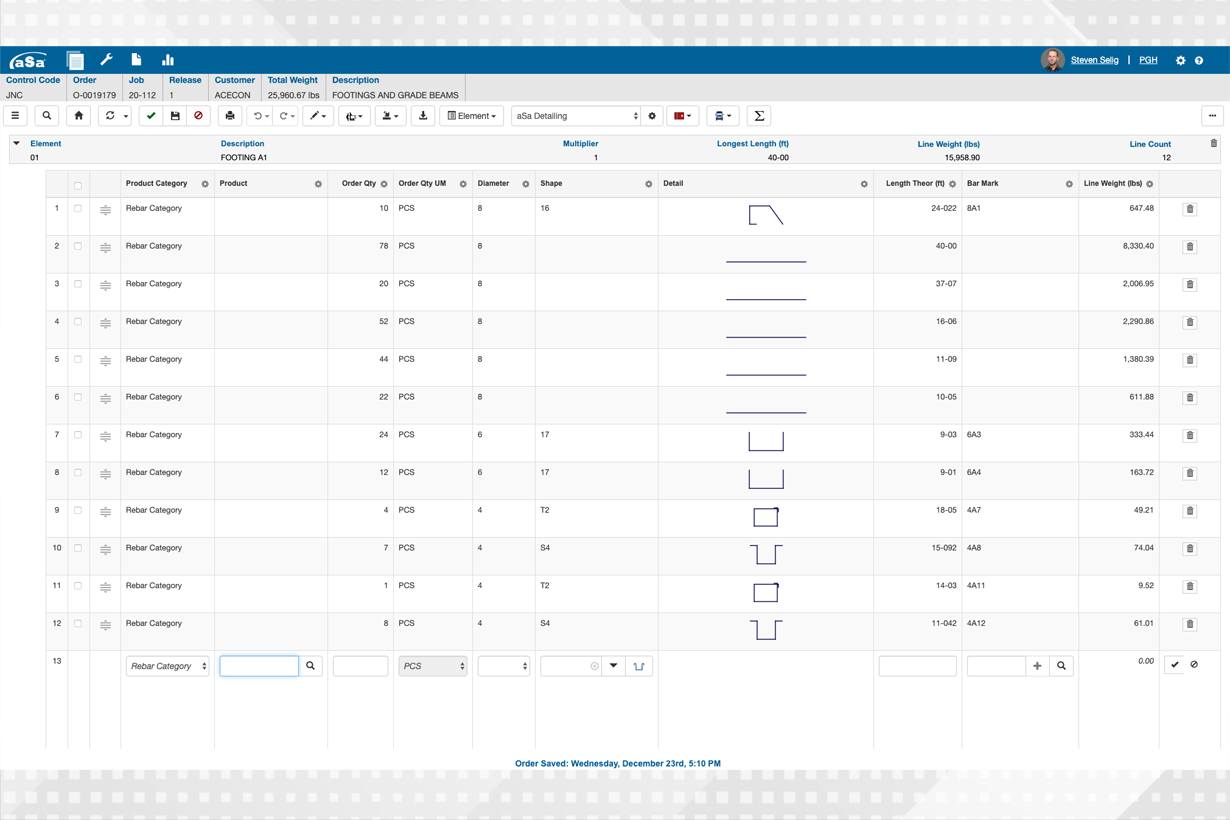
The process is simple. Use Revit’s selection tools to select the area of the drawing that you want to take off. You can select a specific section, individual elements, or the entire drawing; it’s completely up to you. Next, click RDX Export in the Add-ons Menu. At this point, a window displays, pre-populated with project information from your Revit model. You simply fill in any additional details and click Proceed. You can then edit and process the order in aSa.Studio applications.

Tour

Sol​ution Tour